
Deploy your APK
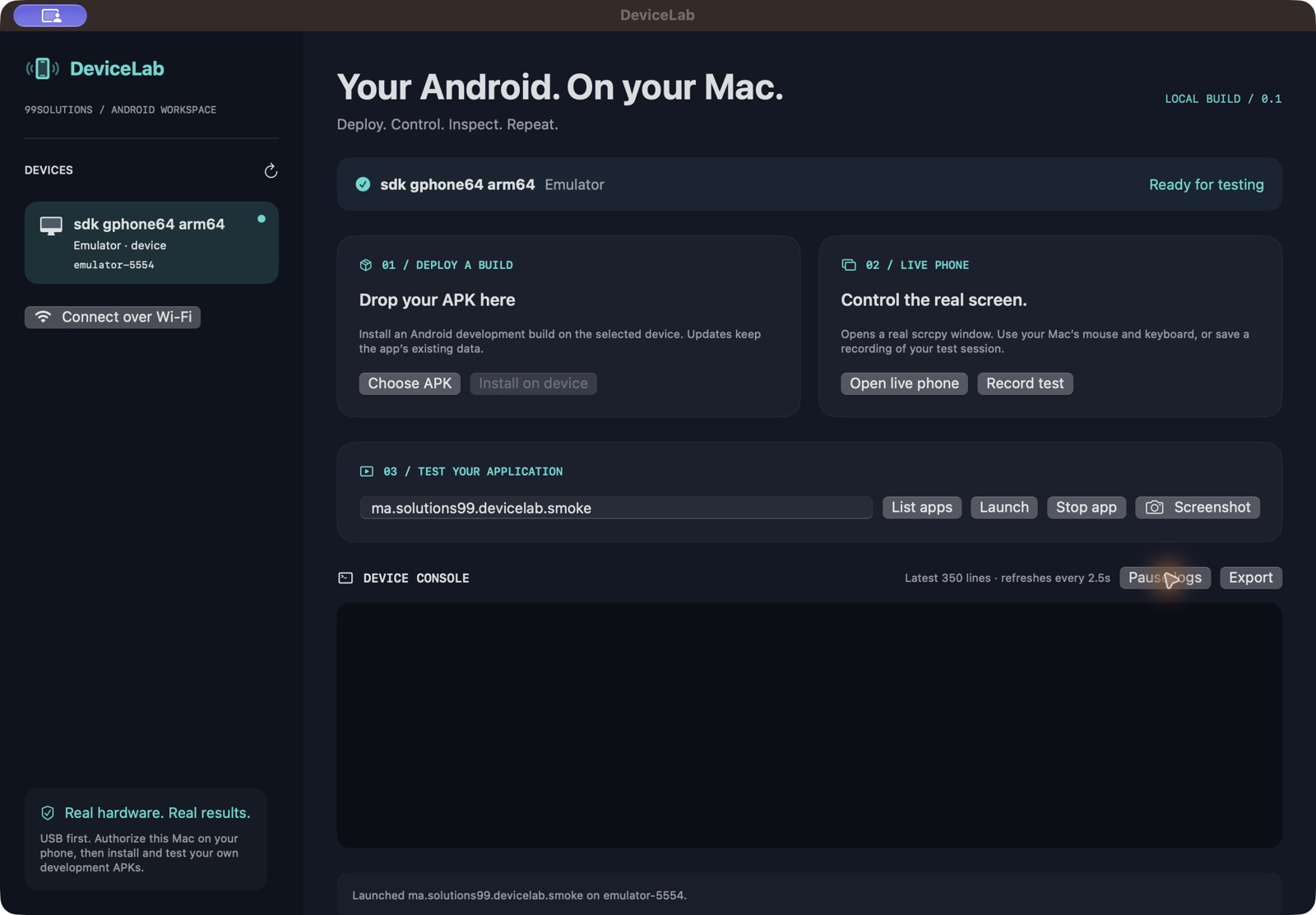
Choose or drop an APK, select an authorized device and install an update without clearing app data.
 Native Mac build / 0.1
A native Mac workspace to deploy Android APKs, control a connected device and inspect your test session.
Download for MacApple Silicon · 13.9 MB · Version 0.1.0Development build · not notarized by Apple USB → APK → LIVE
Choose or drop an APK, select an authorized device and install an update without clearing app data.
Open scrcpy to use the Android screen with your Mac mouse and keyboard.
Enter a package ID to launch or stop that app on the selected device.
Review the latest 350 log lines, filter to a running package and export the visible log snapshot.
Save a PNG screenshot or record a test session through scrcpy.
Start with USB debugging. Android 11 or later can pair over Wi-Fi using a six-digit code and separate connection address.
Unlock your phone, enable USB debugging and approve this Mac on the Android prompt.
Select the device, choose your APK and install it. Enter its package ID to launch.
Open the live screen, inspect logs and save a screenshot to document the result.
Apple Silicon Mac · macOS 13 or later · Android 8 or later · USB debugging · Android 11 or later for wireless pairing
Version 0.1 is an Apple Silicon development build with local ad-hoc signing, not Apple notarization. APK installation, launch, logs and screenshot capture were tested on an Android emulator. Physical USB and Wi-Fi validation are pending.
Mac app interface: English in version 0.1. Product guide: English, French and Arabic.
No account or cloud relay. Device commands and test files stay on your local computer and connected Android device.
Download integrity manifest ↗Apps run on the connected Android device. DeviceLab controls and inspects it from your Mac; it does not include an Android emulator.
This build accepts APK files. Export an installable APK from your Android project first.